The Inordinary
Cine Streets
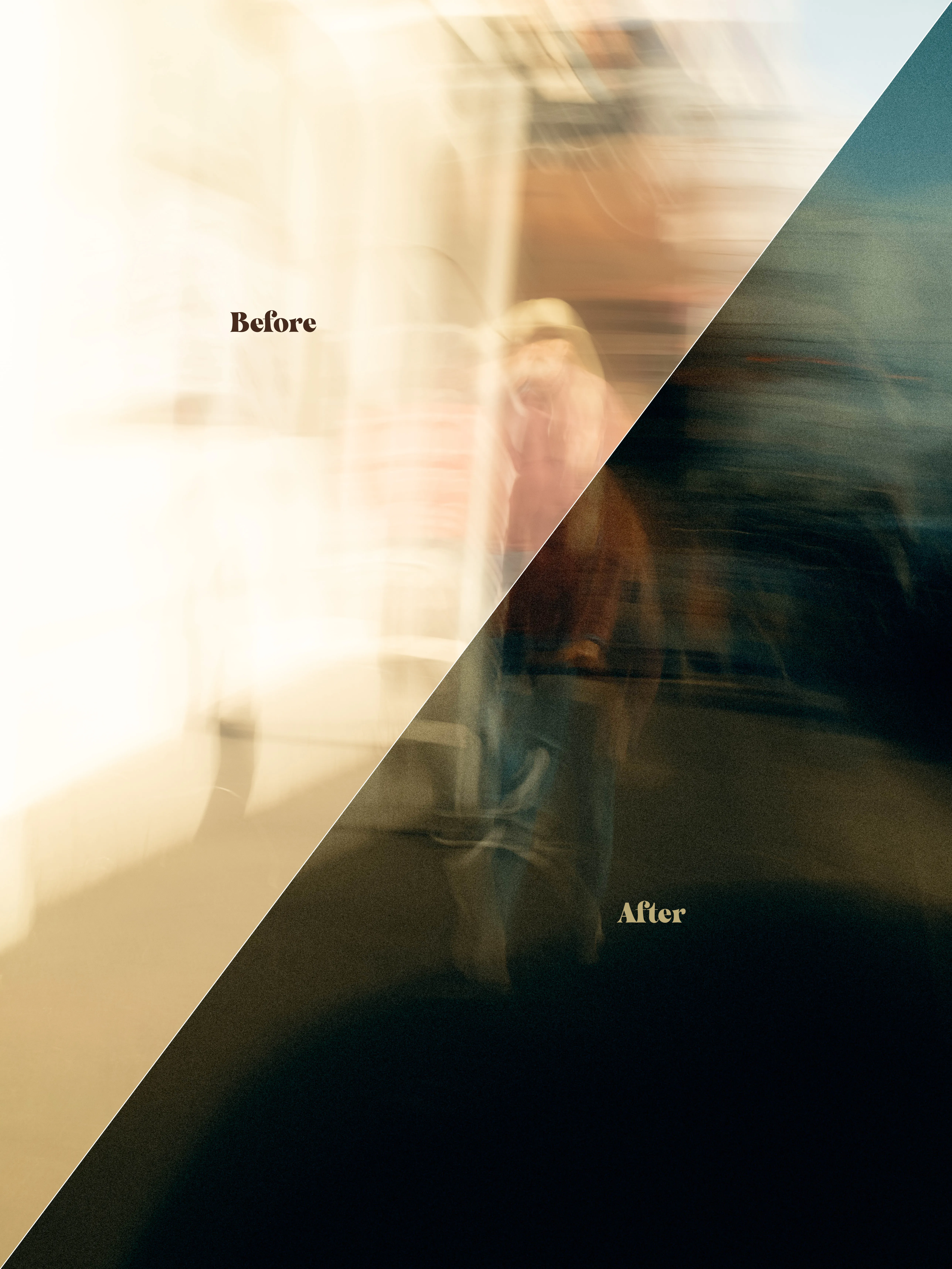
Nine presets built from Melbourne light — overpass amber, tram-door teal, the particular gold of a street at the wrong hour. Every photograph on this site was graded with them.
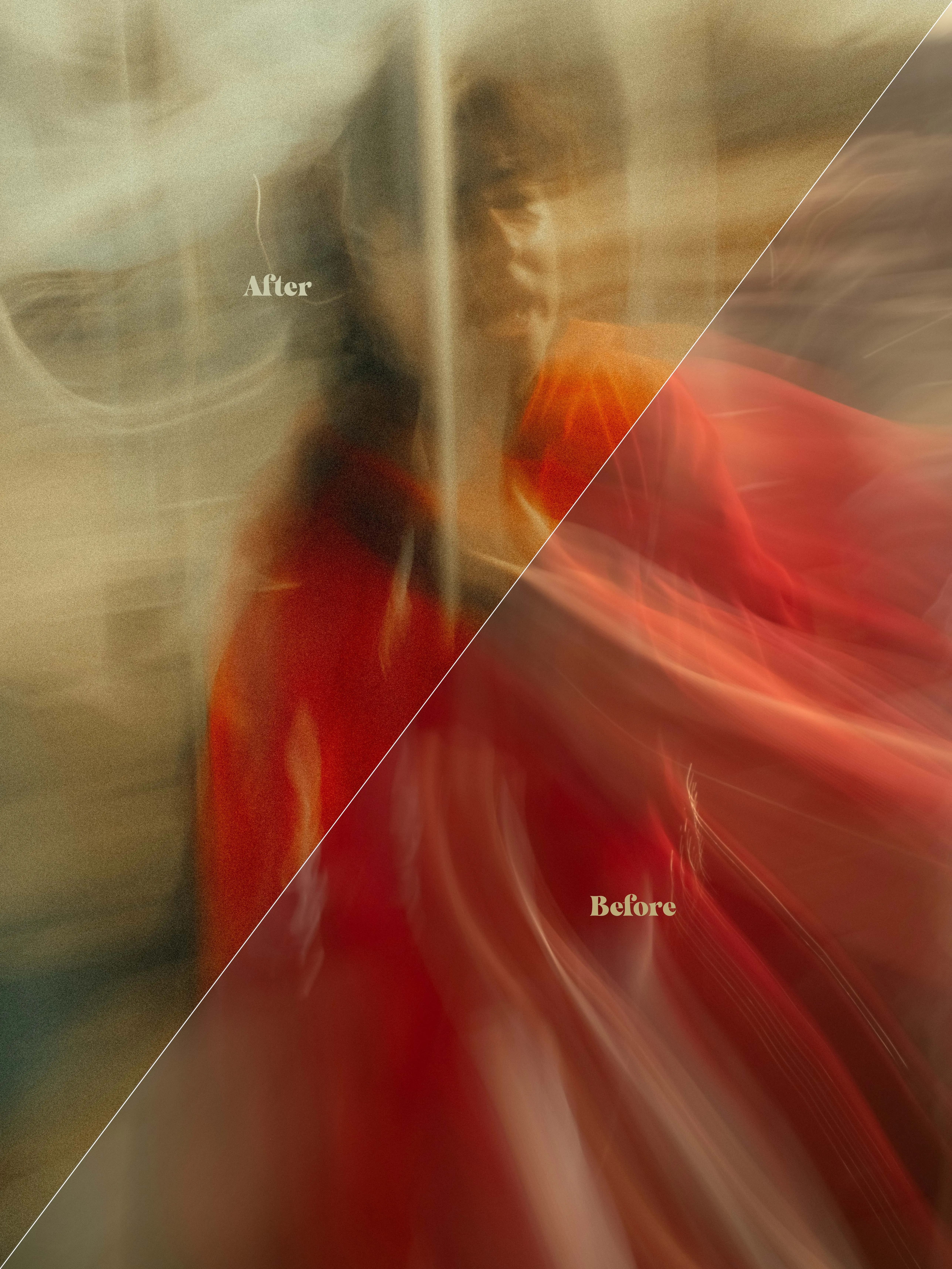
the nine looks
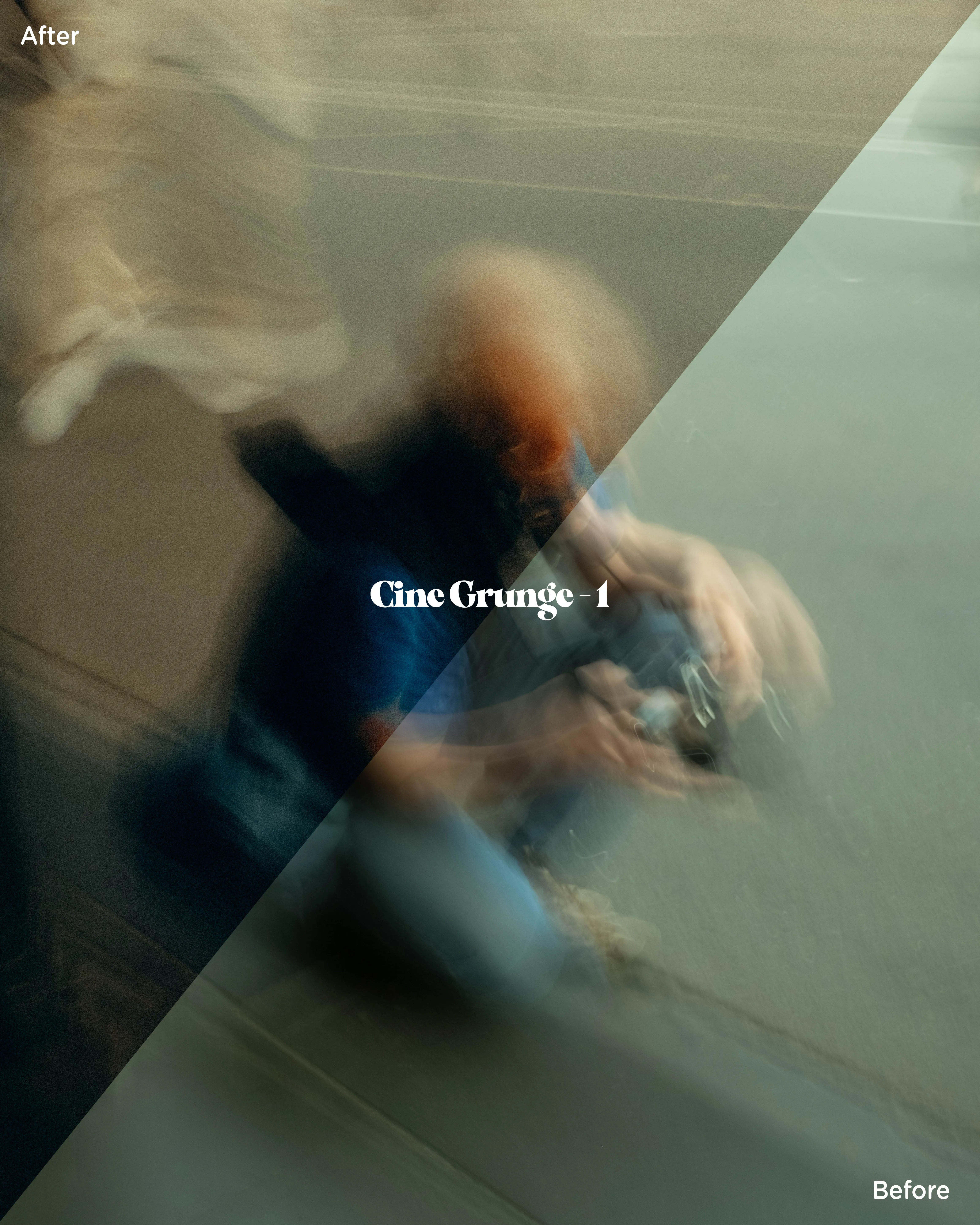
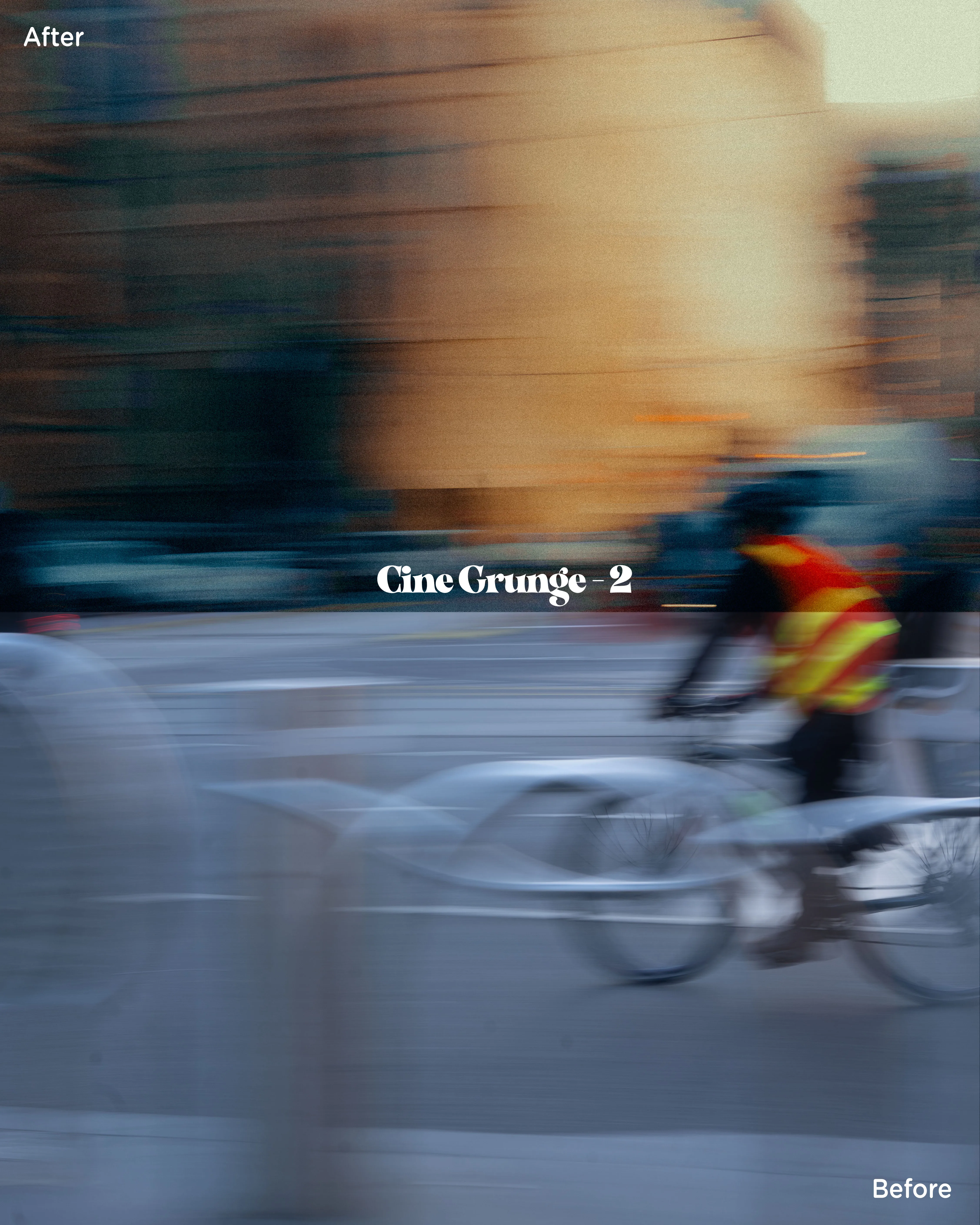
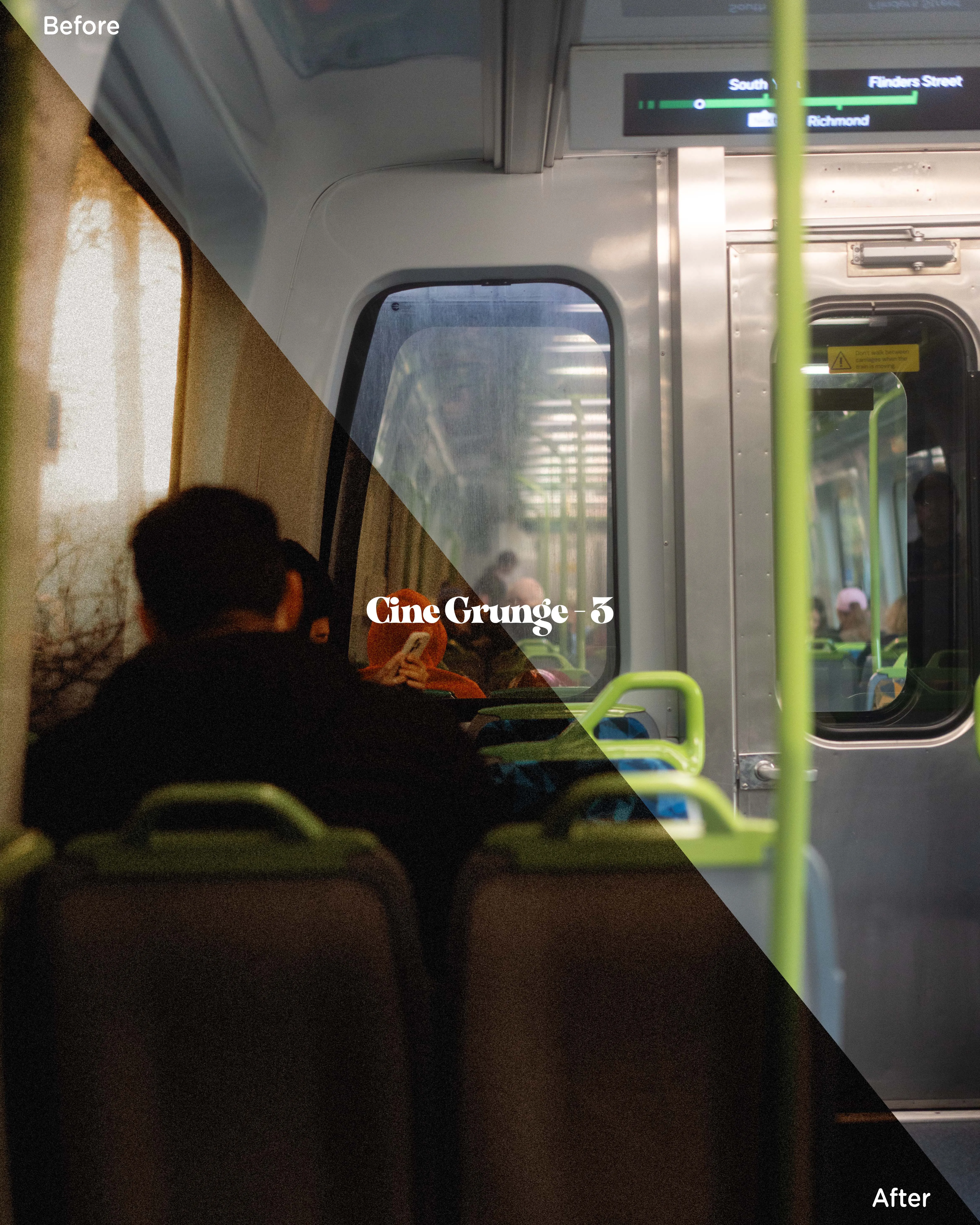
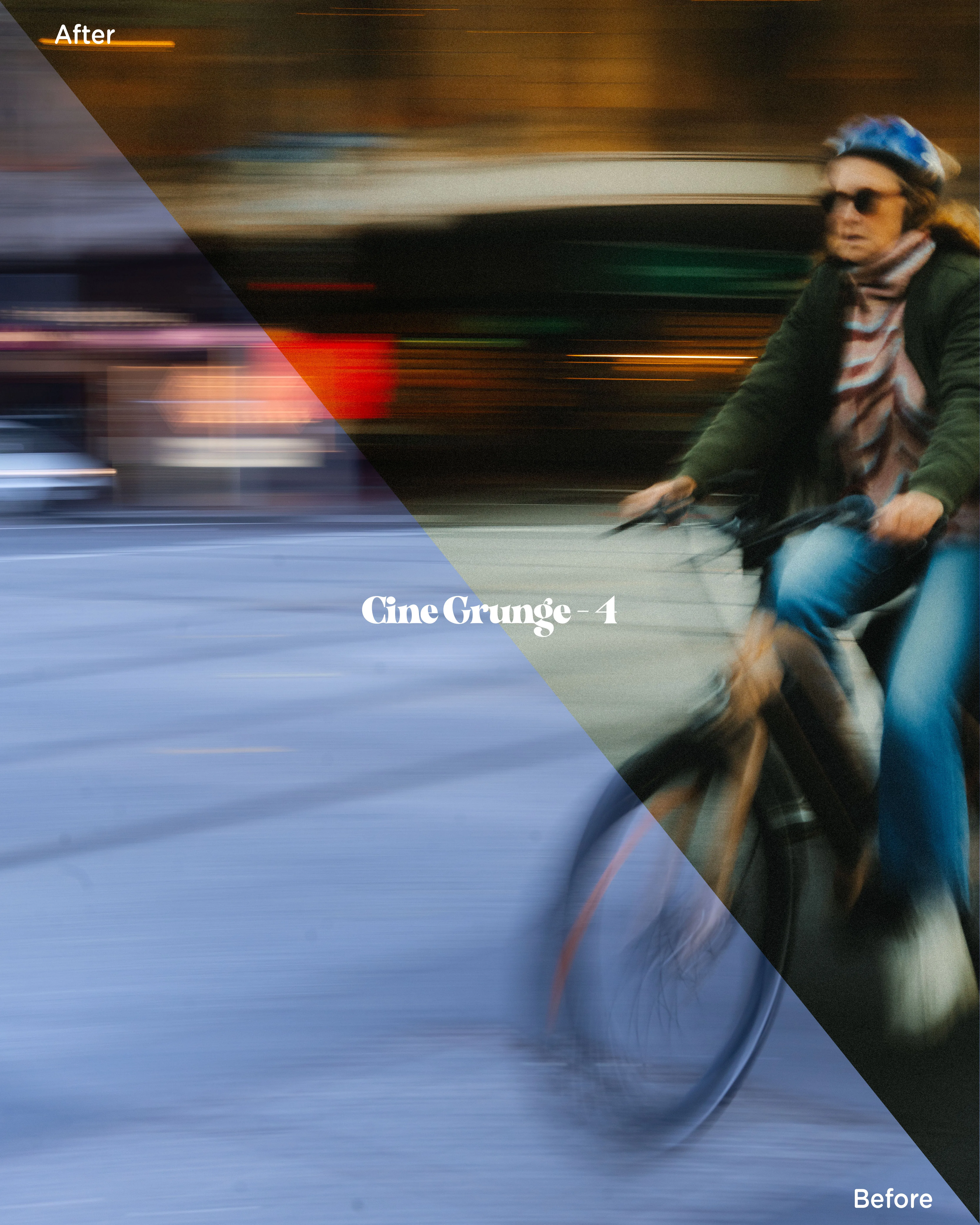
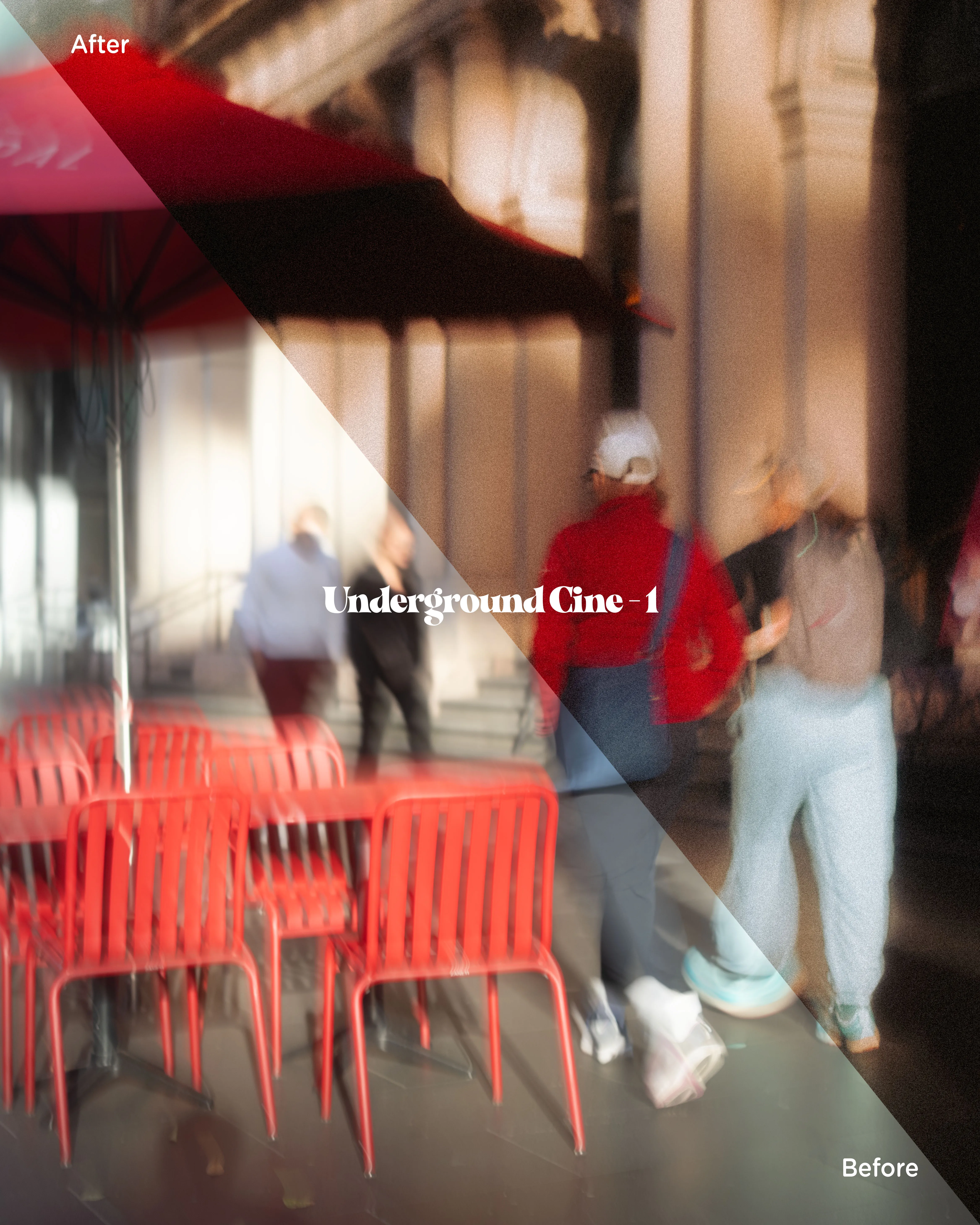
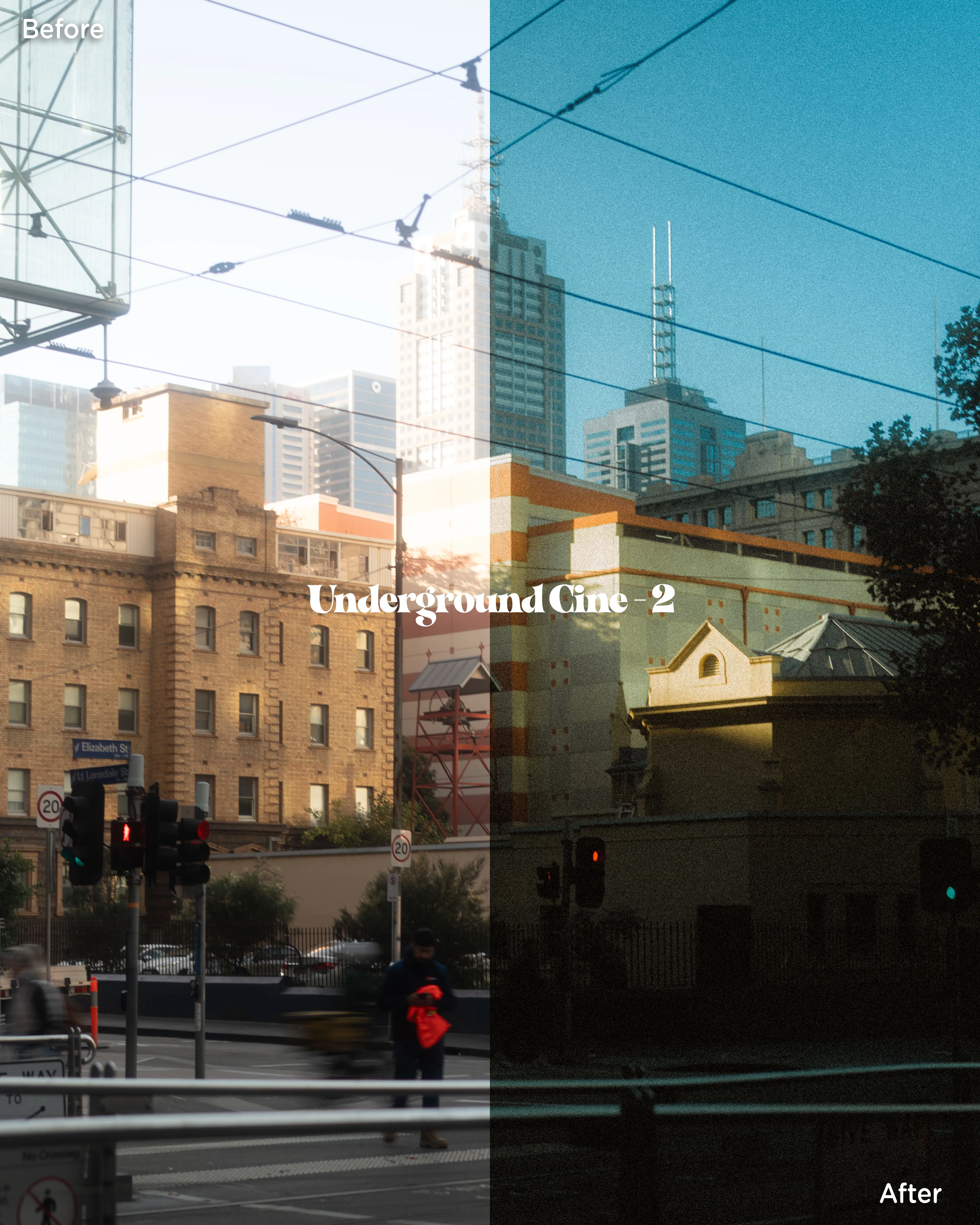
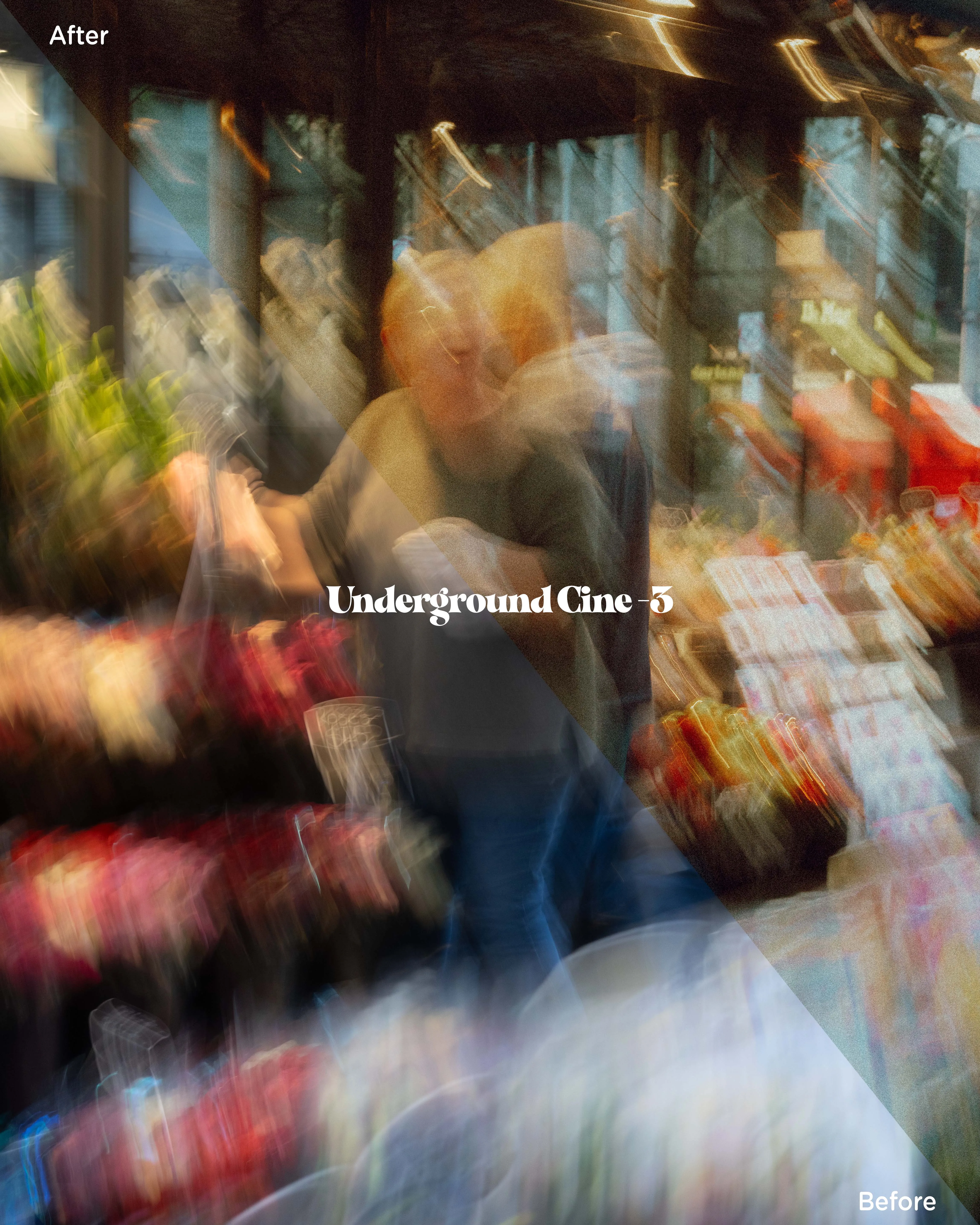
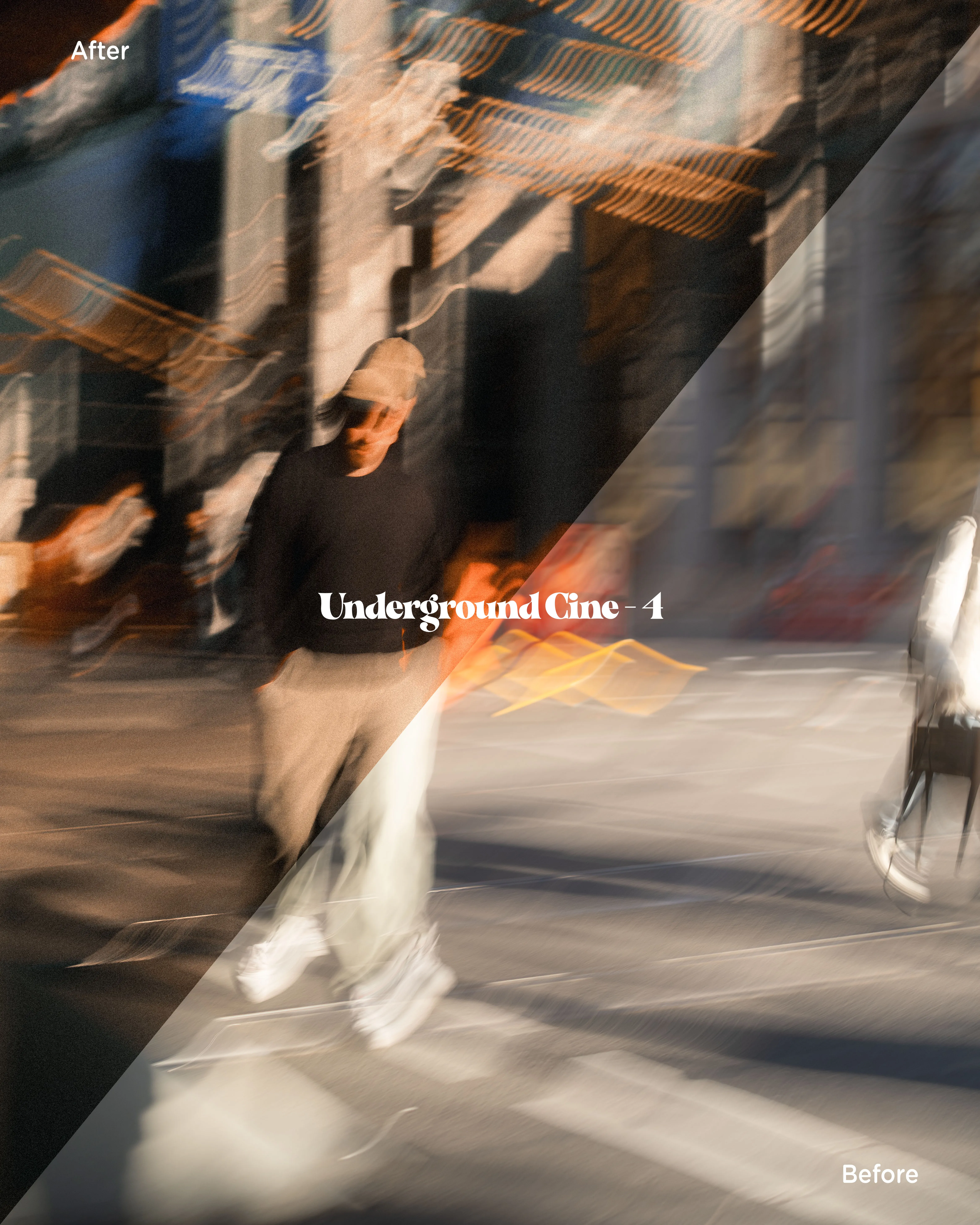
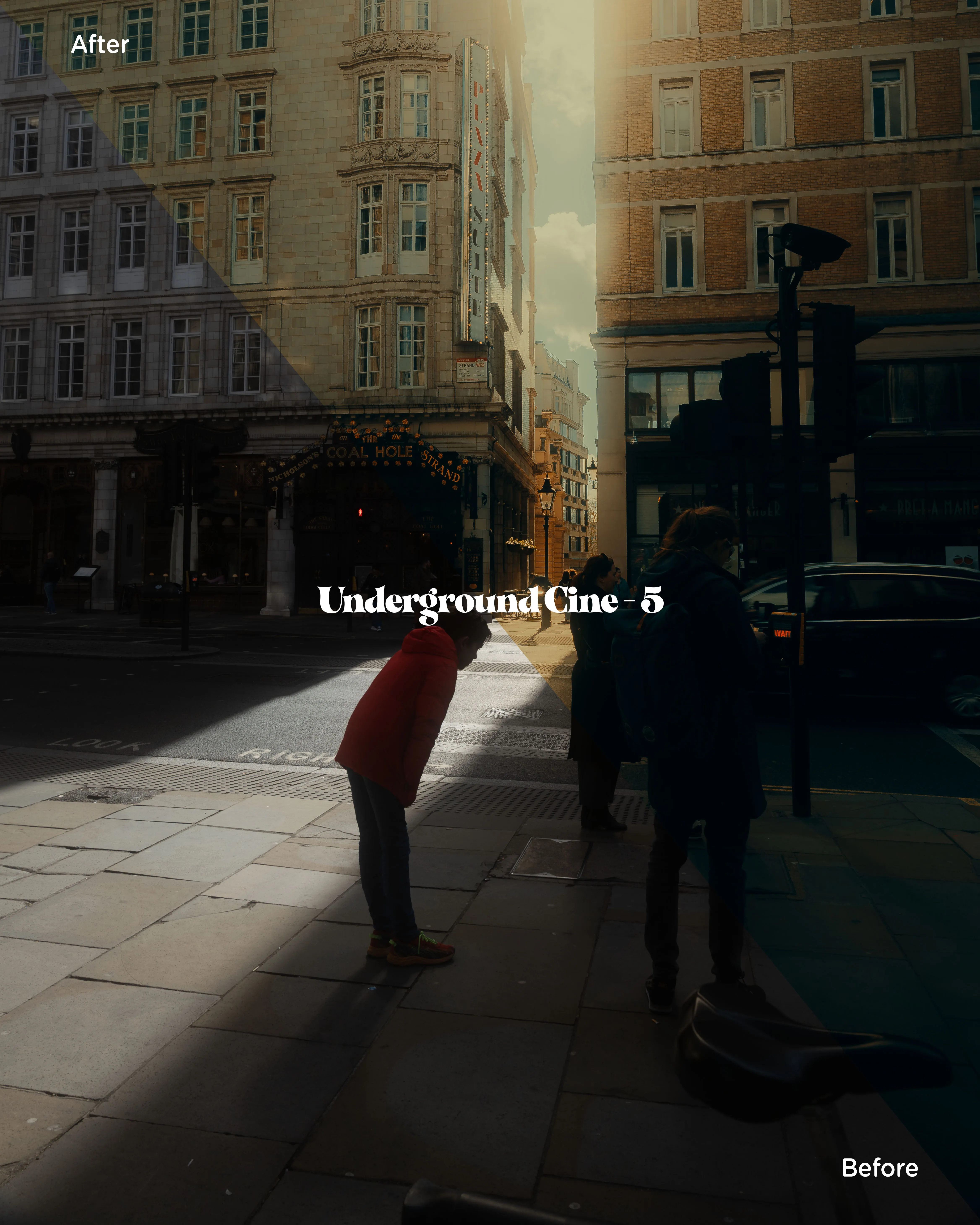
inside the pack
- Nine presets, desktop & mobile
- Four Cine Grunge and five Underground Cine looks — XMP files for Lightroom and Lightroom Classic, DNG files for the free Lightroom mobile app.
- The twelve-step toolkit
- The exact adjustment stack behind these frames, from lens correction to fine grain — light sources, subject highlights, halation — each as its own one-click step.
- Install & editing guides
- Step-by-step install instructions for desktop and mobile, and usage tips for getting the looks to sit right on your own photographs.
- Three practice photos
- RAW files from the streets these presets were built on, so you can learn the looks before taking them to your own work.
questions
Which Lightroom do I need?
The XMP presets work in Adobe Lightroom and Lightroom Classic on desktop. The DNG versions work in the Lightroom mobile app, which is free — no subscription needed to use the presets on your phone.
Will they suit my photos?
They were built for street scenes in warm, low, or mixed light — daylight gold to night neon. They are starting points, not one-tap magic: the included toolkit and usage tips are there to help you adapt each look to your own frames.
How do I receive them?
Instant download after checkout, with a link sent to your email. One zip: presets, toolkit, guides, and practice photos.
Do I need to know how to edit?
No. The install guide gets the presets into Lightroom in a few minutes, and the twelve-step toolkit teaches the edit as you apply it — it is the same order of operations used on every photograph on this site.
Nine looks, the toolkit behind them, and everything to learn both.
Not sure yet? Cine Grunge 1 is free — leave your email.